
Most game ideas die in a specific place: between "wouldn't it be cool if…" and "I'd have to learn an engine." That gap is exactly where AI game generators now live. You describe a game in plain language, the model writes the code underneath, and you get something playable in a browser, often in a couple of minutes.
If you'd rather try it before reading on, the AI game generator on makegame takes a text description and turns it into a game you can play right away. What follows is for everyone who wants to understand the process first — what makes a prompt work, which game types AI handles well, and where it still trips up. Here's how to make a game with AI without writing a line of code.
Why make a game with AI in the first place?
The honest answer is about speed, not replacement. Learning a real engine like Unity or Godot is a genuine skill, and it pays off if you want to ship a polished commercial title. But that's overkill when your goal is to prototype an idea, build a game for a class, or make something fun to share with friends this weekend.
With AI generation you skip the parts that stop most people cold: no project setup, no learning a scripting language, no hunting for free sprites and sound files. You trade fine control for getting a working game on your screen fast, then refining it in plain English.
What you get back is a lightweight HTML5 game. It runs in a browser, on a phone, with no install. That is not the same as a hand-built release, and it's worth saying so up front. It is, however, enough to play, share, embed in a page, and keep iterating on until it feels right.
How to make a game with AI, step by step
The whole loop has five steps, and you can run the first four in a single sitting.
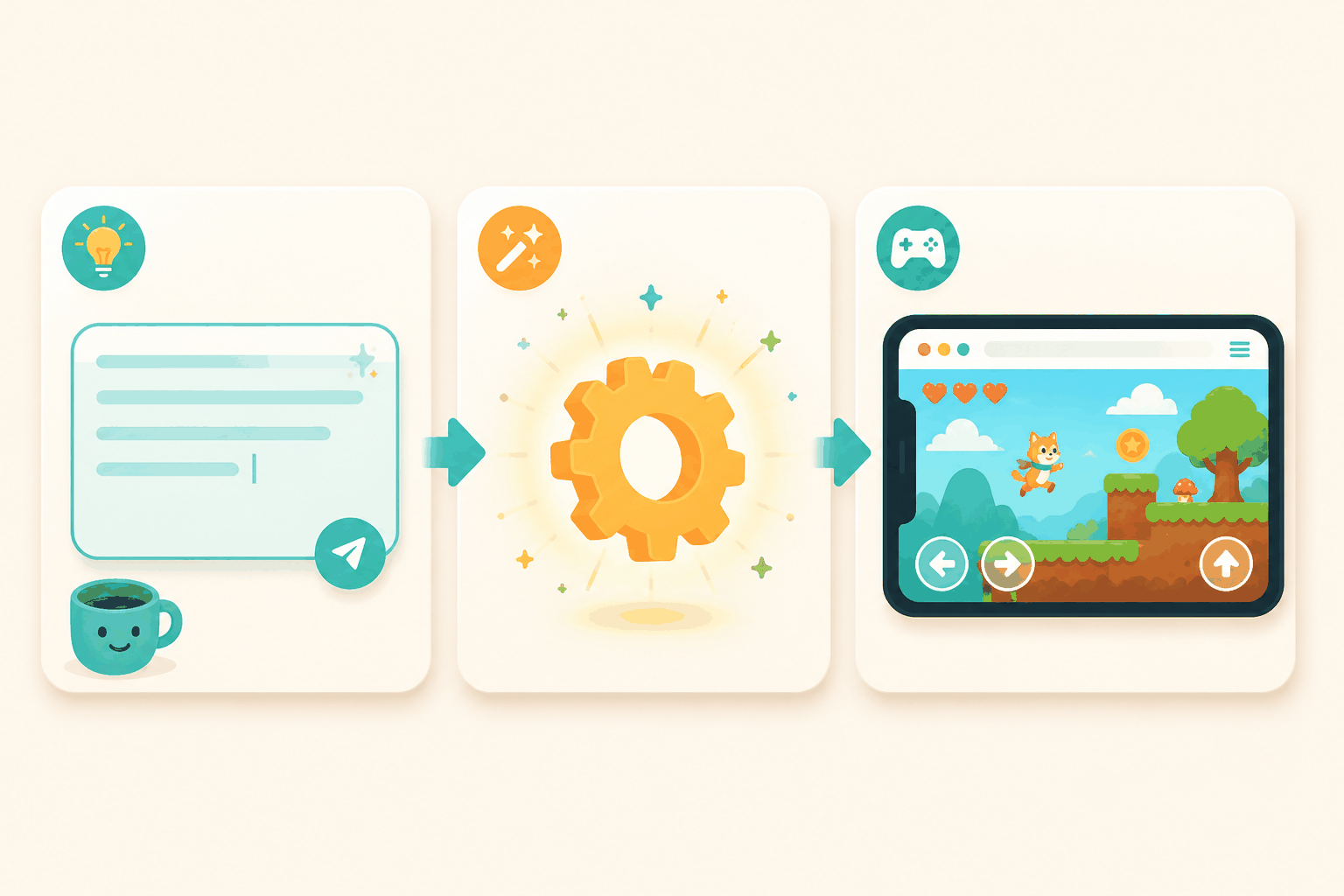
1. Describe the game in one go
The prompt is the whole game design, so a vague prompt hands you a vague game. "Make a fun puzzle game" produces something generic. A specific prompt gives the model something to aim at, and a reliable structure is four lines:
- The idea, in one sentence.
- The core mechanic — what is the player actually doing each second?
- How you win, and how you lose.
- The feel: fast or slow, tense or relaxing, bright or moody.
Example, for a bolt-unscrewing puzzle: A puzzle game where you remove screws from stacked metal plates. The player clicks screws in an order that lets each plate drop away. You win when the screen is clear; you lose when no plate can fall. Calm and satisfying, like untying a knot.
That description maps to a real game in the showcase library — Screw Puzzle — so you can see exactly what a prompt like that turns into.
2. Generate
Paste the prompt into the AI game generator and run it. A first pass usually takes under a minute, and you get a playable build rather than a mockup.
3. Play it before you judge it
This sounds obvious, but the first version often looks rough and plays better than it looks — or the other way around. Play through it. Note the one or two things that are broken or boring. Those become your next prompt.
4. Refine with follow-up prompts
The biggest skill here is iteration. Don't ask for a new game; ask for a change to the one you already have. "Make the ball faster." "Add a 60-second timer that ends the round." "When the player hits three in a row, flash the screen." Each follow-up edits the existing game instead of starting over, and that is how a quick demo turns into something genuinely fun.
5. Share, embed, or export
Once it plays the way you want, share the link, embed it in a blog or a Notion page, or export the code if you want to keep tinkering yourself.
The best types of games to make with AI (right now)
Not every genre is equally easy to generate. These tools are strongest with games built around one clear rule, so it helps to know where they shine and where they struggle.
Works well. Single-mechanic arcade games (one-button flyers, slicers, stackers), puzzle games (logic, sorting, matching, sliding tiles), card and solitaire variants, and light strategy where the rules are simple to state. Anything you can explain to a friend in two sentences tends to translate well into a prompt.
Works, with rough edges. Physics-heavy games, racing with collisions, and sports. You'll get something playable — Racing Rush and Infinite Hoops in the showcase are good examples — but the feel and tuning usually need a few follow-up rounds before they stop being floaty or unfair.
Still hard. Anything that needs large hand-designed levels, persistent multiplayer, complex 3D animation, or a lot of bespoke art. AI can gesture at these, but the result rarely holds up past the first minute.
Rule of thumb: if a game's fun comes from one tight loop, AI is a great fit. If the fun comes from sheer volume — hundreds of levels, deep content — you're better off elsewhere for now.
Real examples: games people made with AI
It's easier to picture the range by looking at what's already out there. The showcase library collects AI-made games you can play for free across puzzle, arcade, strategy, card, racing, and sports. A few that show how far a single prompt can go:
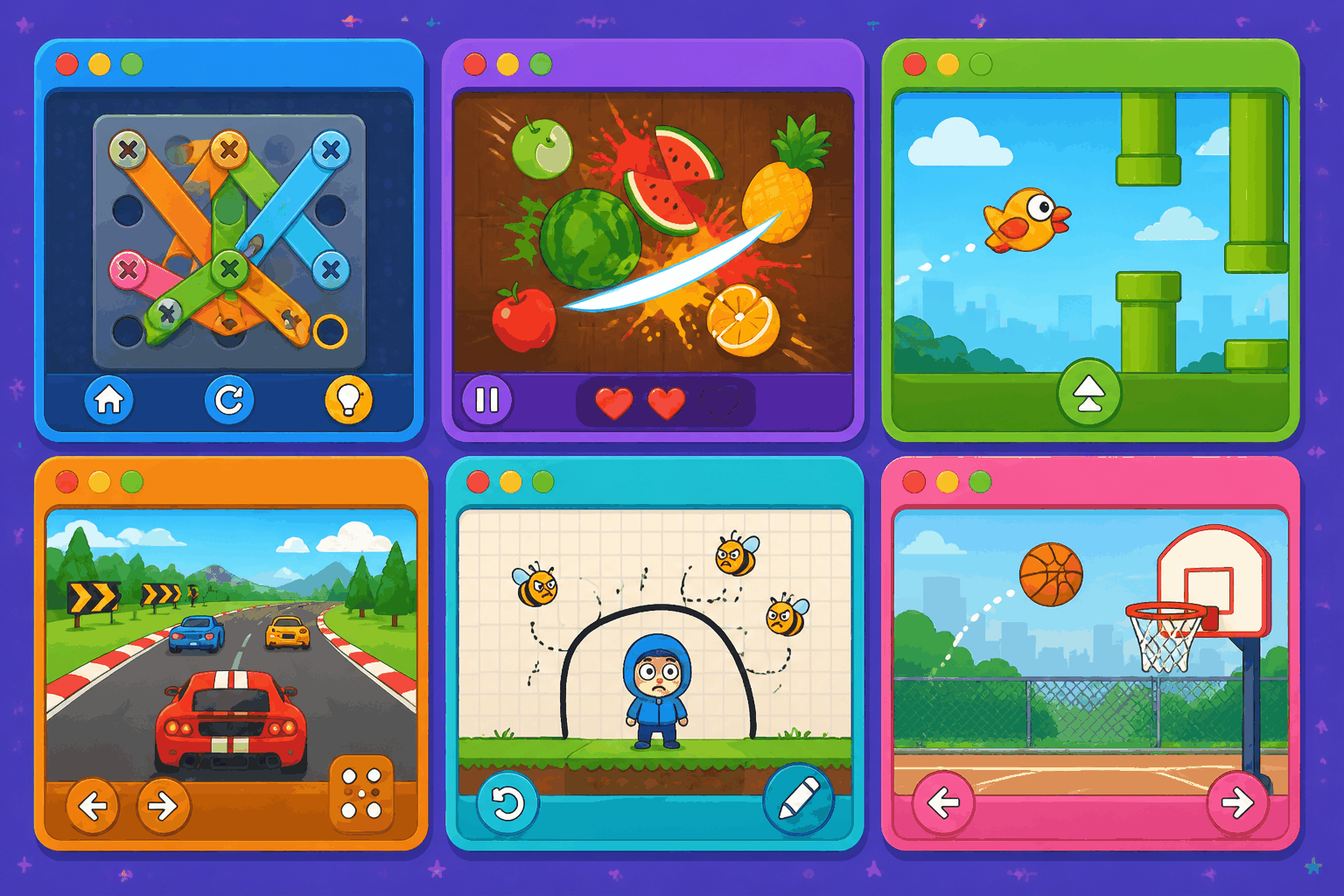
Fruit Ninja 3D — an arcade slicer. Fast, reflex-based, satisfying in short bursts. This is the type that feels great the moment it works and then needs a follow-up prompt or two to nail the difficulty curve. (Play it.)
Flappy Bird — the one-button flyer. If you've ever wanted to prototype a "just one more try" game, this is the genre to try first, because the entire design fits in two sentences. (Play it.)
Draw to Save Dog — a line-drawing strategy game where you sketch a barrier to protect a character. A nice example of a mechanic that's easy to prompt but would take real effort to hand-code. (Play it.)
Each of these started as a description not far off from the prompt examples above, then got refined until it played the way the maker wanted. Playing them in the browser is the quickest way to get a feel for the current ceiling of AI game generation.
Common mistakes (and how to avoid them)
Writing a prompt like a search query. "Zombie game" tells the model almost nothing. Spend the extra 30 seconds on the four-line structure above. The gap between a lazy prompt and a specific one is the single biggest lever in the whole process.
Treating the first result as final. The first generation is a draft. The interesting work happens in the follow-ups — tweaking speed, adding a fail state, fixing the one bug that breaks the loop. Stop at step one and you're judging a rough cut.
Stuffing one game with everything. "A puzzle RPG with crafting, multiplayer, and a story" is three games, not one. AI does best when you give it one clear thing to be. Start narrow, and add complexity only after the core already works.
Expecting automatic difficulty balancing. Generated games often start too easy or too hard. Plan for at least one follow-up that asks the difficulty to ramp up, or the speed to increase over time.
Forgetting you can export. If you hit the limits of what prompts can do, exporting the code lets a developer take over. The AI gets you to playable; it doesn't have to be the last hand on the wheel.
Frequently asked questions
Can I make a game with AI without any coding?
Yes. The whole point of an AI game generator is that you describe the game in plain language and the model writes the code. You never see the code unless you choose to export it. If you can write a clear paragraph, you can make a playable game.
How long does it take to make a game with AI?
A first playable build usually appears in under a minute. Refining it into something that feels good — fixing the difficulty, adding polish — takes a few more rounds of follow-up prompts, often 10 to 20 minutes total for a simple game.
What kinds of games can AI make right now?
AI game generators are strongest with single-mechanic games: arcade titles, puzzles, card and solitaire games, and light strategy. Large-scale RPGs, persistent multiplayer, and content-heavy games are still hard. See the section above on the best types for the full breakdown.
Can I publish or sell the games I generate?
You can share, embed, and export the games you make. Whether you can commercially publish a specific generated game depends on the platform's terms and on what assets the generation used — check makegame's terms for the current rules before you monetize anything.
Is it free to make a game with AI on makegame?
You can generate and play games on makegame for free, and the showcase library of AI-made games is free to play. Paid tiers generally apply to higher generation limits or commercial use — see the site for current pricing.
Make your first game
That's the whole process: describe it, generate it, play it, refine it, share it. The fastest way to really understand it is to run the loop once on an idea you actually care about — even a small one.
Start creating with the AI game generator → — no install, no code, runs right in your browser.