
For a long time, "make a video game" meant committing to months of work: learning an engine, writing code, drawing or buying art, and debugging until 2 a.m. That wall is why most game ideas never left someone's head. AI game development pushes that wall back a long way. You can now describe a game in plain language, have an AI build a playable version of it, and be clicking around inside your own creation before the afternoon is over.
This is a beginner's guide to AI game development with no assumed background. We'll cover what the term actually means, the no-code path that gets you playing fastest, how the main tools stack up against each other, and real games that people have already shipped this way. If you'd rather just dive in and make something, the showcase library on makegame is full of AI-made games you can play right now — but read on if you want the map first.
What AI game development actually is
AI game development means using AI models as part of building a game — generating code, art, levels, characters, or even whole playable games from a description. The thing that makes it different from traditional development isn't one feature. It's that the slow, manual parts of making a game are starting to happen on their own, at your direction, in seconds rather than days.
To see the shift, compare the two paths. The traditional route goes: pick an engine (Unity, Godot, Unreal), learn its scripting language, source or create every sprite and sound, build each level by hand, then test and fix until it runs. It works, and it's how most professional games are still made, but the on-ramp is steep enough to lose most beginners before they ever see a moving character.
The AI-assisted route shortens that dramatically. You describe what you want, the model drafts the code and pulls together assets, and you get something on screen almost immediately. Then the work changes character: instead of writing code, you're refining — asking for the ball to move faster, for a second level, for a different color palette — and the AI applies the change.
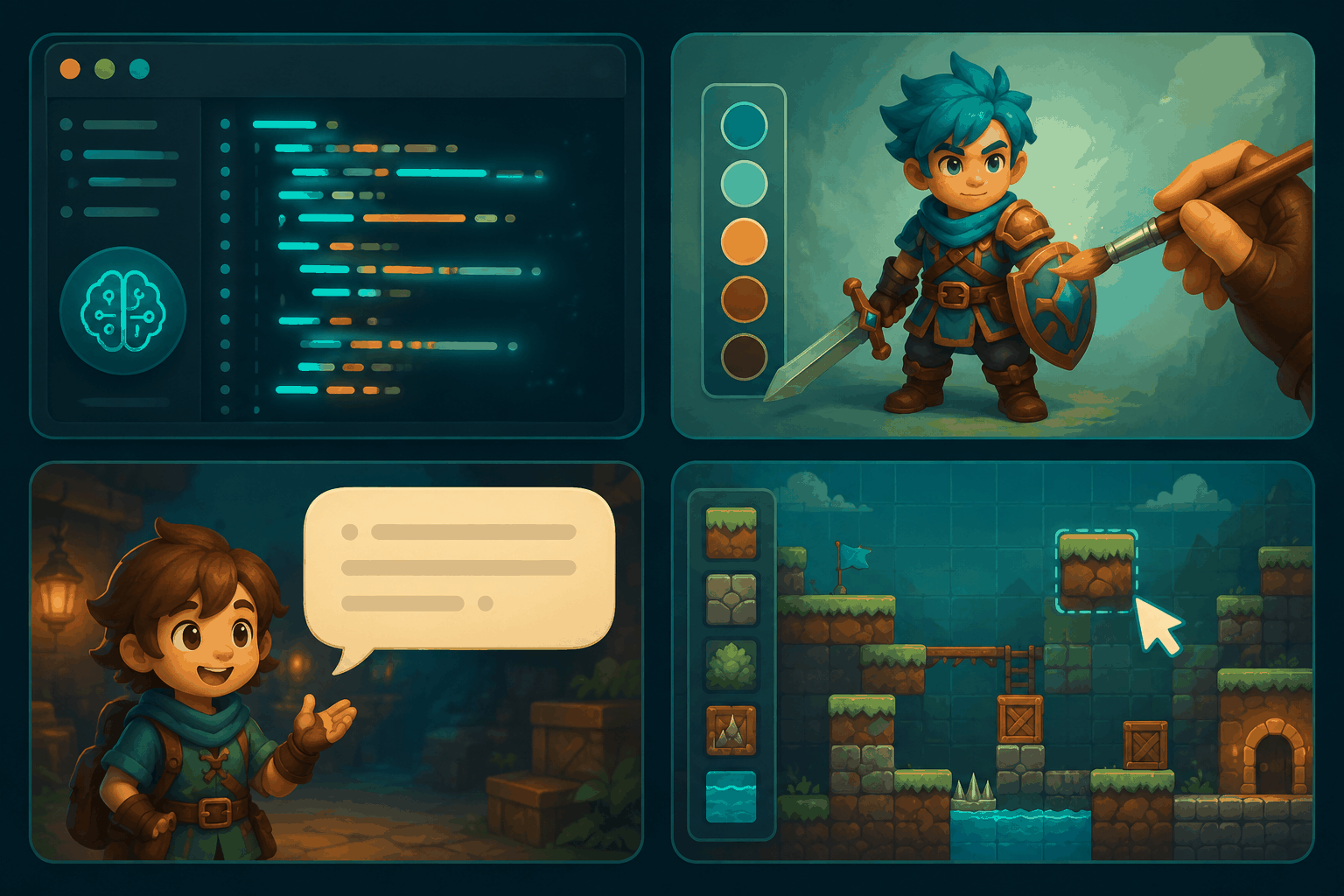
It's worth being clear about where AI helps and where it still struggles, because the marketing oversells it. AI is genuinely strong at:
- Generating playable code for small, well-defined games — arcade titles, puzzles, simple mechanics.
- Creating art assets — sprites, backgrounds, textures, even 3D models from a text description.
- Writing and voicing characters — dialogue, personality, the kind of thing that used to need a writer.
- Filling in levels and content once a mechanic is set.
Where it still falls short: large, content-heavy worlds; complex physics that need to feel just right; and anything requiring tight, hand-balanced game design over dozens of hours. The honest summary is that AI game development is an accelerator, not a replacement for a skilled team building a commercial release. For a beginner who wants to make and play something real, though, it's the closest thing to a shortcut that has ever existed.
No-code game development: where to start
If you've never made a game, no-code is the right door to walk through, and not just because it's easier. The fastest way to learn how games work is to make one, play it, change one thing, and play it again — and no-code AI tools compress that loop into minutes. You build intuition by doing, the way you'd learn cooking by actually cooking rather than reading about knife techniques.
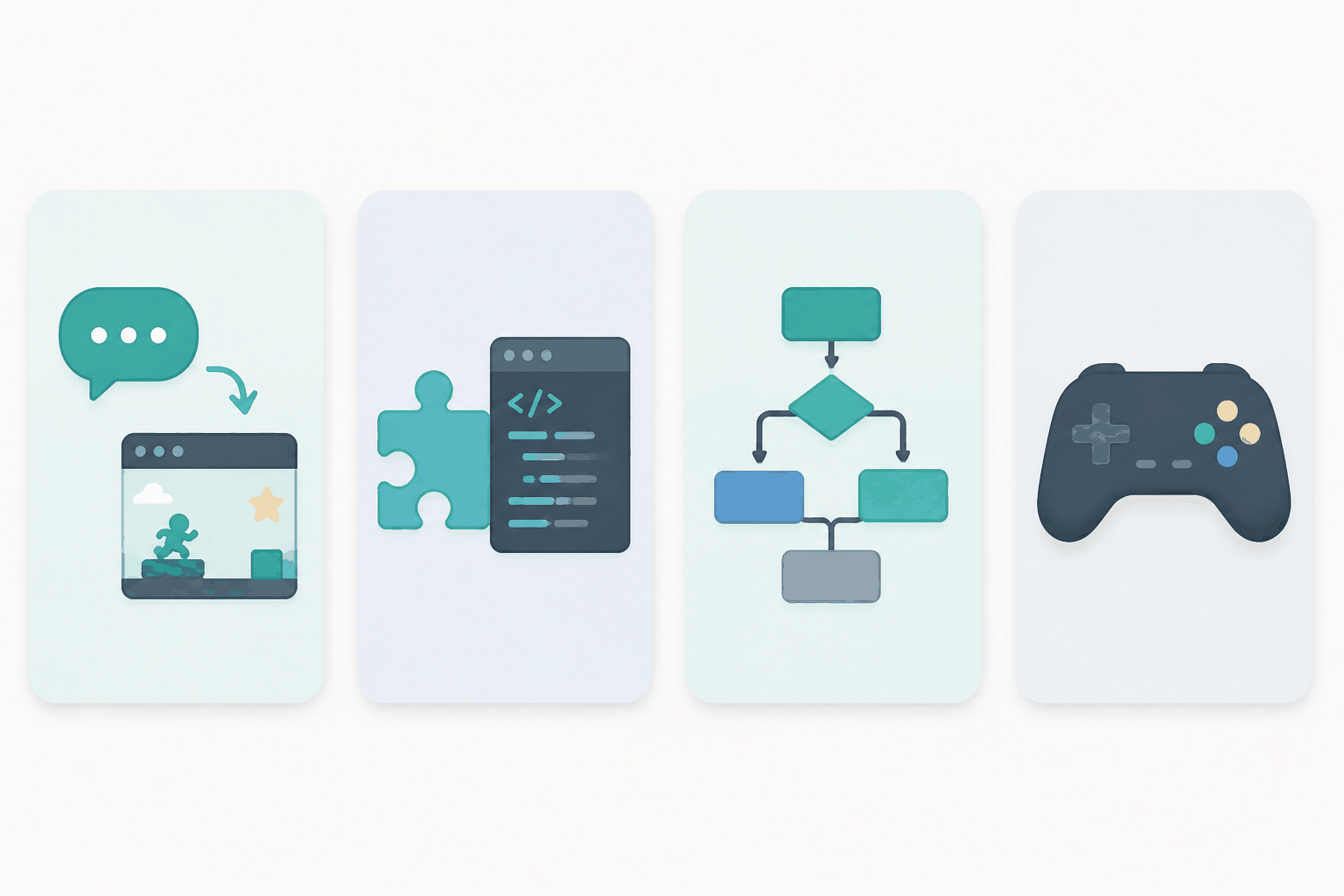
The basic workflow is the same across most text-to-game tools, and it's worth memorizing because everything else builds on it:
- Describe the game. Write what it is, the core thing the player does, how you win and lose, and the feel you're after. Specificity matters more than anything else here.
- Generate. The AI turns that description into a playable build.
- Play it. Before judging, actually run it. A rough-looking game often plays better than it looks.
- Refine in plain language. Don't ask for a new game; ask for a change to the one you have — "make it faster," "add a timer," "spawn more enemies."
- Share or export. Send the link, embed it, or pull out the code.
Here's what a real first prompt might look like, for a simple one-button flyer: A game where a small bird flaps upward when you click and falls when you don't. Dodge the pipes; touch one and you lose. Fast and a little addictive, bright cartoon colors. Drop a description like that into the AI game generator and you'll be playing your own version within a minute, then tweaking it until it feels right.
Two mistakes trip up almost every beginner, and they're worth naming now so you can skip them. The first is writing a prompt like a search query — "fun zombie game" tells the AI almost nothing, and you'll get something generic back. Spend thirty extra seconds on the four-point structure above and the quality jumps. The second is treating the first generation as the final product. The first build is a draft; the game gets good during refinement, when you're reacting to what's actually on screen.
The good news is that this whole loop costs you nothing but time. Generate, play, throw it away, try again. That freedom to fail fast is exactly what makes no-code AI tools such a good place for a beginner to start.
AI game development tools compared
The tools in this space split into a few different shapes, and knowing the shape tells you which one fits you. There are text-to-game web platforms that turn a description straight into something playable in your browser. There are AI asset and code generators that lean toward helping you build a more complete project, often with exportable code. And there are visual, no-code engines where AI assists but you're still arranging logic yourself. Here's how the main ones compare.
| Tool | What it is | Best for | What you get out |
|---|---|---|---|
| makegame | Text-to-game, runs in the browser | Complete beginners who want to play fast | A playable HTML5 game, plus a showcase library of AI-made games |
| Gameer.io | Another online text-to-game platform | A second text-to-game option to be aware of | A playable game from a text prompt |
| Rosebud AI | AI game dev with asset and code generation | Prototyping toward a more complete project | A game project with generated assets and code you can keep working on |
| GDevelop | Open-source, event-based no-code engine | Learners who'll add some logic over time | A standalone game you can export and ship |
The decision framework is simpler than the table looks. If you've never made anything and want the shortest possible path from idea to "I'm playing my own game," a text-to-game web platform is the move — makegame is the natural place to start. If your goal is a prototype you'll keep developing into something bigger, Rosebud AI's generated code gives you more to build on. And if you actually want to understand how games are structured under the hood — and don't mind a gentler learning curve — an open-source visual engine like GDevelop teaches you the logic while still protecting you from raw code.
One honest note: these categories blur at the edges, and every tool here is shipping new features fast, so treat the table as a starting compass rather than a final verdict. The cheapest way to decide is to make the same small game in two of them and feel the difference yourself.
Real examples: what beginners are already making
Skeptical that a beginner can actually produce something worth playing? The easiest cure is to look at what's already out there. The showcase library on makegame is full of AI-generated games you can click and play for free, and a few of them make the point well.
Screw Puzzle is a bolt-unscrewing puzzle — you remove screws in the right order so stacked metal plates drop away. It's the kind of tight, one-mechanic game that AI handles beautifully, and it's genuinely satisfying to play. The whole thing could be described in a single detailed prompt and then refined, which is exactly the workflow above.
Flappy Bird needs no introduction as a genre, and it's the perfect first project for a beginner because the entire design fits in two sentences: flap up when you click, fall when you don't, dodge the pipes. If you're going to make your first game, make this one.
Draw to Save Dog is a line-drawing puzzle where you sketch a barrier to shield a character from danger. It's a nice example of a mechanic that's easy to describe but would take real effort to hand-code — exactly the gap AI fills best.
And Mahjong Blast shows the tools reaching into classic card and tile games, where the rules are well-defined and easy for an AI to reproduce faithfully.
None of these are AAA titles, and they're not pretending to be. They're proof that the floor has moved: the kind of polished, playable browser game that used to need a developer now sits within reach of someone with an idea and an afternoon. Play a few of them and you'll start to believe your own idea is doable too.
Frequently asked questions
Can a complete beginner really make a game with AI?
Yes. The whole point of AI game development tools is that you describe what you want in everyday language and the AI handles the code. If you can write a clear paragraph about your game idea, you have enough to start. Most beginners get a playable game on screen within their first session.
Do I need to know how to code for AI game development?
No, not to get started. Text-to-game platforms like makegame generate the code for you, and you refine the game using plain language rather than programming. You only need code if you choose to export a project and customize it further — and even then, the AI can write most of it for you.
What's the best AI game development tool for a beginner?
For a complete beginner who wants to play something fast, a text-to-game web platform is the easiest entry point — makegame is a strong default. If you're aiming to build a more complete project over time, Rosebud AI offers more to work with, while an open-source engine like GDevelop is great if you want to learn the underlying logic.
How long does it take to make a game with AI?
A first playable build usually appears in under a minute. Turning it into something that feels good — fixing the difficulty, adding polish, a second level — typically takes 15 to 30 minutes of refinement for a simple game. A more complex game can take a few hours spread across several sessions, but you're never starting from a blank screen.
Make your first game today
That's the whole landscape: AI game development takes the parts of making a game that used to stop beginners — the code, the art, the setup — and handles them for you, leaving you with the fun part, which is having the idea and shaping it until it plays the way you want. The tools are different enough that it's worth trying a couple, but they all share that same short loop from words to something playable.
The best next step is the smallest one. Pick a simple idea — a one-button game, a puzzle, anything you can describe in a sentence — and run it through the generator before you talk yourself out of it.
Start with the AI game generator → — describe your idea, play what comes back, and refine it in plain English. No install, no code, runs right in your browser.